5 Website Mistakes Costing Cafe and Restaurant Owners Customers
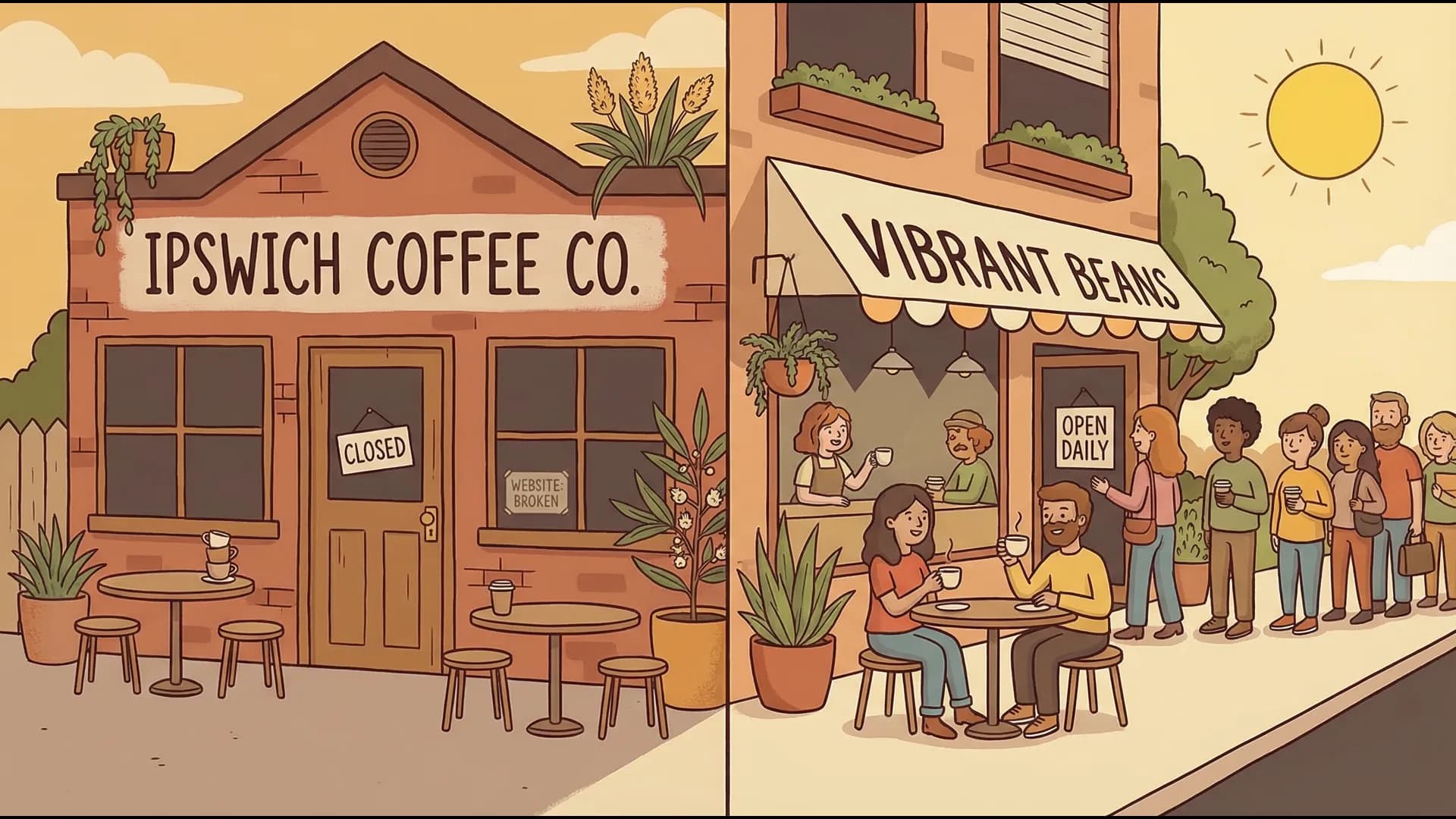
Your website might be the reason hungry locals are going to your competitors. Here's the 5 mistakes Ipswich cafes and restaurants make — and how to fix them.

By Tunoa Johnson
I get it — you're busy running a cafe or restaurant. The last thing you want to think about is your website.
Picture this: It's Saturday morning. I'm in Ipswich, craving a good eggs benedict and a flat white. I pull out my phone and search "best breakfast near me." Your cafe pops up in the results — great! I click your website.
But then... I spend two minutes pinching and zooming on my screen to read a blurry photo of your menu. You don't have your address easily visible, and I can't even tell if you're open on weekends. Frustrated, I hit the back button and go to the cafe down the street instead. Their menu was readable, and they had a "Get Directions" button that opened right in Google Maps.
You didn't lose me because their food was better. You lost me because their website was easier to use.
68% of Australians look up restaurants on their phones before visiting. If your site is frustrating to navigate, you're invisible to most potential customers.
Here are the 5 mistakes I see most often on hospitality websites, and exactly how you can fix them today for free.
1. Hiding the Menu (Or Relying on a PDF)
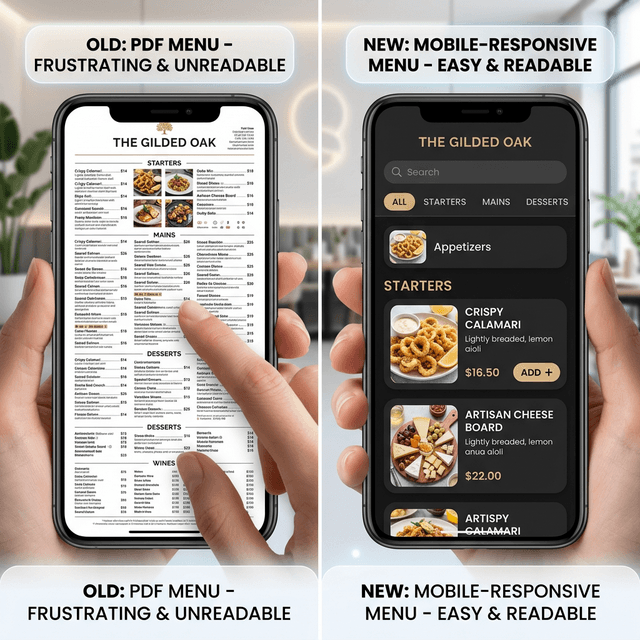
Please, I'm begging you — don't make me download a 3MB PDF to my phone just to see what you serve.
Most people are on lunch breaks or walking when they search. They want to see:
- What you serve (Dietary options like Gluten-Free or Vegan)
- Prices
- Whether you do breakfast, lunch, or dinner
If they have to jump through hoops, they're gone.
The Fix: Type your menu directly onto your website using plain text. It loads instantly, it's readable on mobile without zooming, and Google can actually read it (which helps you rank higher in search results). If you absolutely must use an image, compress it and make sure it's high quality.
2. Playing Hide-and-Seek with Your Location
You might pour the best espresso in town, but if someone has to play detective to find you, they won't bother. Putting your address on an obscure "About" page isn't enough.
Put your full physical address in your website's footer (so it shows on every page) and on your Contact page.
The Actionable Fix: Embed a Google Map right on your Contact page. It takes 2 minutes: go to Google Maps on a desktop computer, type in your address, click "Share," select "Embed a map," and copy the HTML code to paste into your website. It adds a "Get Directions" button for mobile users instantly.
3. Decorating with Outdated Photos
I'm not saying you need to hire a professional photographer every week (though natural lighting with an iPhone works wonders). But if your "recent" photos are from 2019, that's a problem.
- Is your fit-out different now?
- Have you updated the menu offerings?
- Did you rebrand or get new street signage?
People eat with their eyes first. Show them the vibe they will actually experience when they walk in today.
Your Mini Photo Checklist for This Week:
- [ ] 1 photo of the outside (so people know what building to look for)
- [ ] 2 photos of the interior vibe (showing seating)
- [ ] 3 close-up photos of your most popular dishes
- [ ] 1 photo of the team behind the counter
4. Guessing Games with Opening Hours
Nothing frustrates people quite like making the drive, finding a park, walking up to your door... and you're closed.
This is especially critical around public holidays and the Christmas/New Year period. If your website says you're open but your door says closed, that customer isn't coming back.
Link your Google Business Profile to your website, or update both simultaneously. Consistency builds trust.
The Fix: Have your opening hours clearly listed on your homepage and contact page. Keep them updated. If you have different hours for the kitchen vs the bar/coffee machine, state that clearly (e.g., "Kitchen closes at 2 PM").
5. Making it Impossible to Connect
A surprising number of hospitality websites act like digital brick walls. They don't have:
- A clickable phone number
- An email address for large bookings
- A reservation link
- Links to delivery partners (UberEats, DoorDash, etc.)
The Fix: Look at your website on your phone right now. Can you tap your phone number and have it start a call? If not, make your phone number a clickable link (tel:1234567890 in your link settings). If you take reservations, put a big, obvious "Book a Table" button in the top right corner of your header.
Next Steps: Grab your phone right now and search for your cafe. Time yourself. If you can't easily find your menu, hours, and address in 30 seconds, pick one of the five fixes above and do it today. The easiest win? Add a clickable phone number to your homepage.
Helpful next steps
Keep the momentum going
If this post helped, these are the most useful places to go next.

Tunoa Johnson
