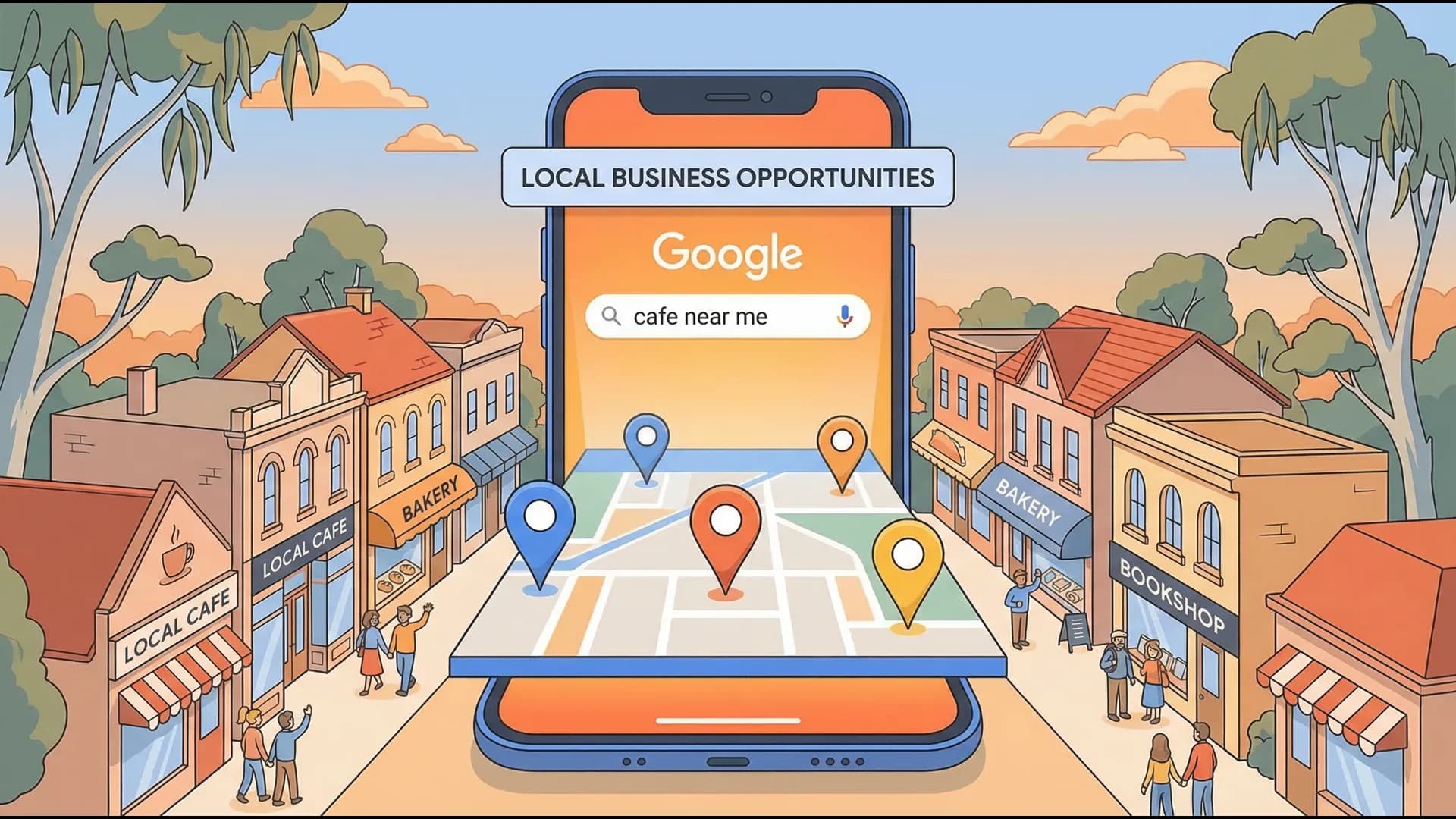
Why 'Near Me' Searches Are Your Best Source of Free Leads
When someone searches 'plumber near me' or 'cafe near me,' they're ready to spend. Here's how to make sure they find your business first.

By Tunoa Johnson
Think about the last time you searched for something and added "near me" or "near [your suburb]."
Maybe it was "plumber near me" after a pipe burst under the sink. Maybe it was "coffee near me" on a sluggish Sunday morning.
Here's a story: Last month, my car battery died in the grocery store parking lot. I didn't search "history of car batteries." I didn't search "how to replace an alternator." I searched "mobile mechanic near me." I clicked the first result that had a local number, called them, and paid whatever they asked because I was stuck.
The person doing a "near me" search isn't browsing. They aren't window shopping. They have a problem right now, and they are ready to give money to the first person who can solve it.
"Near me" searches have grown over 900% in the last few years. If your business isn't capturing these, you are literally letting your competitors take customers who are standing around the corner.
Why Local Intent is Your Secret Weapon
When someone searches "electrician near me," they are looking for three things instantly:
- Someone who operates right here.
- Someone who can come now.
- Someone who other locals trust.
If you are the one who shows up, with a working phone number, clear service areas, and decent reviews, you've just won a hot lead for absolutely nothing.
How to Dominate "Near Me" Searches
Google uses a specific formula to decide who shows up in the "Map Pack" (the 3 businesses that appear above the regular website links). Here is how you get into it:
1. Hardcore Google Business Profile Accuracy
This is non-negotiable.
- Address & Service Areas: If you are a mobile business, explicitly list every suburb you drive to (e.g., Ipswich, Redbank, Springfield). Don't just list your home base.
- Phone Number: Use a local (07) number if possible. It screams "local."
- Business Hours: Keep them ruthlessly updated.
2. The Great Mobile Experience
Google knows if a searcher is using a smartphone. Since most "near me" searches happen on the move, Google actively punishes websites that aren't fast and mobile-friendly.
- Can they call you with one tap?
- Does the site load in under 3 seconds?

3. Local Keywords on Your Website
A lot of businesses simply state "We are plumbers." That's not enough for Google. You need to talk like a local on your website:
- Instead of "Emergency Plumbing," write "Emergency Plumber Serving Ipswich & Surrounds."
- Put your location in your Page Titles and H1 Headings.
- Mention local landmarks or suburbs in your service pages.
Create dedicated "Service Area" pages. E.g., a specific page on your site for "Air Conditioning Installation in Springfield."
4. Consistent Local Citations (The Name/Address/Phone Game)
Are you listed on TrueLocal, YellowPages, local chambers of commerce? Google checks these directories to verify your business is real. If your address is 123 Main St on Google, but 123 Main Street on YellowPages, it causes confusion. Ensure your NAP (Name, Address, Phone) is identically formatted across the entire internet.
The Financial Reality
Every single day, people in your exact suburb are searching for exactly what you offer, and tacking "near me" on the end.
The top 3 businesses in the Google Map Pack get 70% of all clicks. Being #4 or #5 means the vast majority of searchers never even know you exist.
If you are a trades business or clinic reviewing what the next website should cost, start with our plumber website pricing page, our dentist website pricing page, or compare the three common build routes in managed vs DIY vs cheap agency.
Next Steps: Check your Google Business Profile right now. Are your service areas accurate? Does your primary category exactly match what you do? Fix these two things today to start capturing more local searches.
Helpful next steps
Keep the momentum going
If this post helped, these are the most useful places to go next.

Tunoa Johnson